 GuidesGET
Relive your favorite classics — right on your iPhone.
Play GBA, GBC, SNES, NES, N64, DS and Genesis games — with custom controller skins, no cables, and thousands of retro titles waiting.

Core Features
High Compatibility
Smooth support for GBA, GBC, NES, SNES, N64 & more — optimized for peak, lag-free performance.
Custom Controls
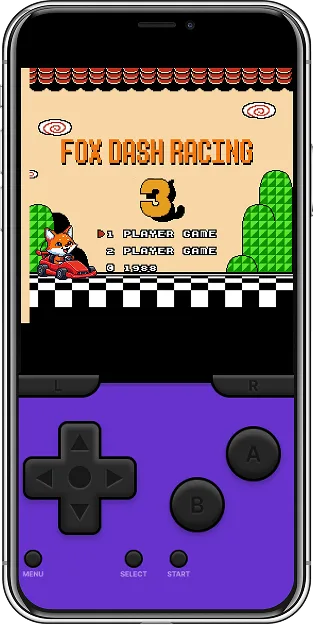
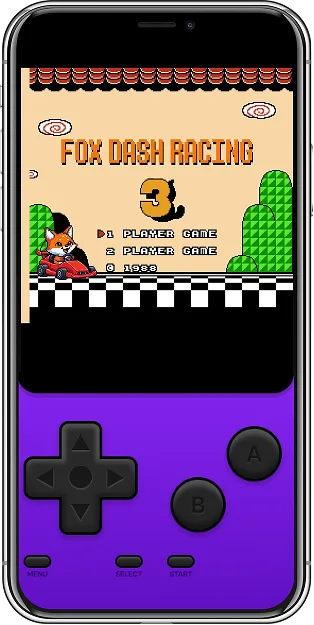
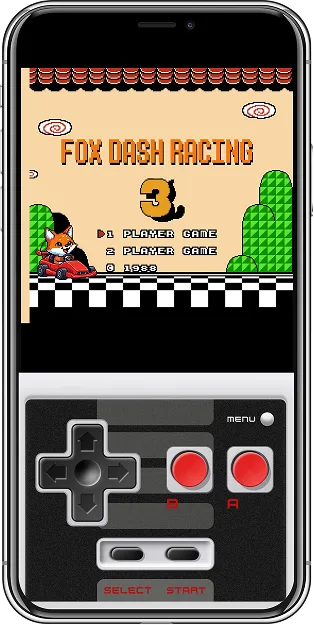
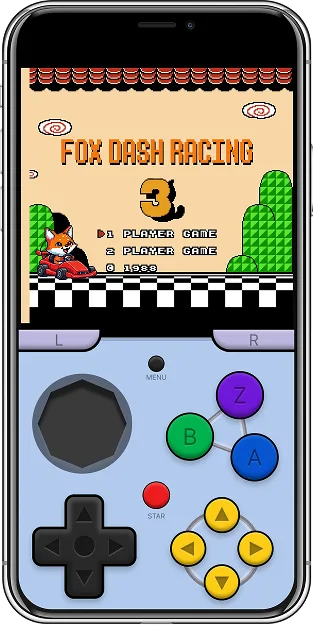
Fluid virtual buttons with haptic feedback, plus premium controller skins to match your style.
Save Anytime
Instant save & load states let you pick up right where you left off — never lose your progress.
Quick Start
Import your favorite ROMs and start playing in seconds.
Download ROMs
Use game files you legally own.
Import to your device
Open them via Files, iCloud or Wi-Fi.
Pick a skin & play
Choose your console theme and jump in.
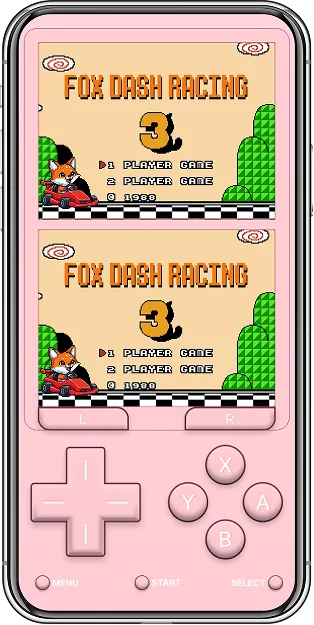
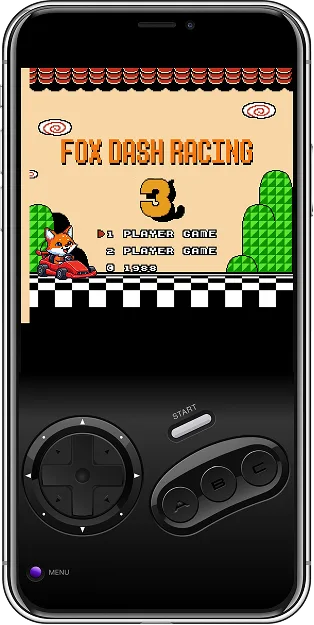
Controller Themes
Swipe through the built-in skins — one tap to switch.
Play On The Big Screen
Cast to your TV, grab a real controller, and turn the living room into an arcade.
Cast to your TV
AirPlay or screen-mirror to Apple TV and smart TVs — full-screen retro, zero cables.
Pair a real controller
Connect over Bluetooth in seconds — no setup, no lag, buttons mapped automatically.
Player Reviews
So smooth — it brought me right back to playing Pokémon as a kid. Zero lag!
Gorgeous interface, no stutter, and my PS5 controller paired instantly. Perfect.
The fox skins are adorable and the save states just work. Best emulator on iOS.
Casting to my TV with a controller feels like owning the real console again.
Safe & secure. No malware, no jailbreak required — just plug in your own ROMs and play.