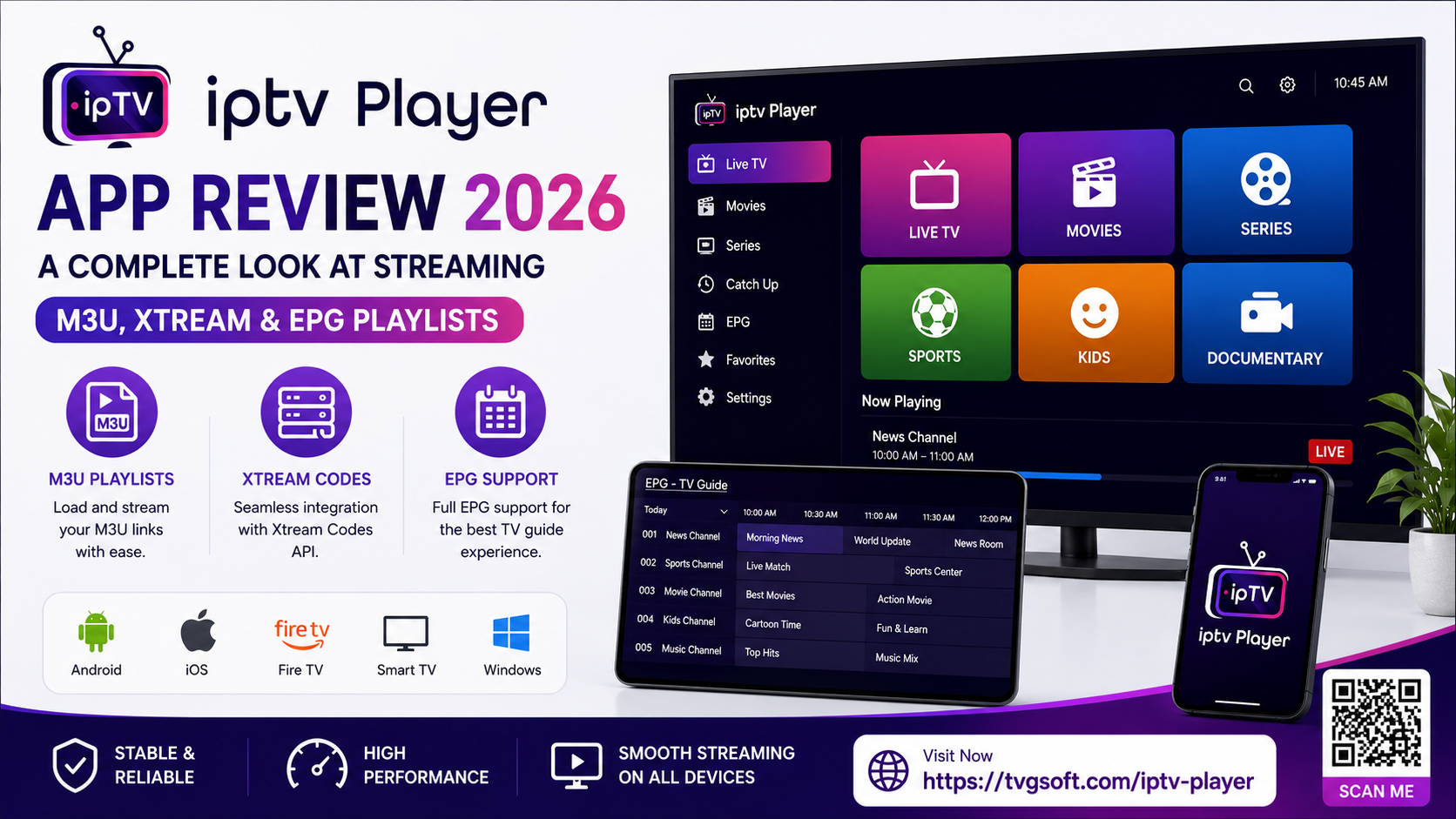
IPTV Player App Review 2026: A Complete Look at Streaming M3U, Xtream & EPG Playlists
Cutting the cord doesn't mean giving up flexibility. For viewers who already manage their own IPTV playlists, the challenge isn't finding content it's finding a player that handles that content smoothly, without clutter or compatibility headaches. That's exactly the gap IPTV Player: Xtream, M3U, EPG, developed by TVGSOFT LIMITED, aims to fill on iPhone and iPad.
This guide breaks down what the app actually does, who it's built for, and how it fits into the broader 2026 streaming landscape so you can decide whether it belongs on your home screen.
What Is the IPTV Player App?
At its core, this is a lightweight media player designed to open and organize personal M3U and M3U8 playlist files. Rather than hosting or distributing any content itself, the app acts purely as a playback tool: you supply the playlist source whether that's a link from an online provider or a file stored locally on your device and the player takes care of organizing, displaying, and streaming it.
That distinction matters. The app is a viewer, not a content library, which keeps it firmly in the category of general-purpose media utilities rather than a subscription streaming service.
Core Features Worth Knowing About
The feature set is built around the everyday needs of someone juggling multiple playlists and channel sources:
- Unlimited M3U playlist support add as many streaming sources as you need, from web links or local files.
- EPG compatibility supports both XMLTV and JTV formats, so an electronic program guide can sit alongside your live channels.
- Favorites, history, and channel locking save go-to channels, revisit recently watched content, and restrict specific channels with a passcode.
- Casting support send video to a bigger screen using Chromecast or AirPlay, so mobile playback isn't confined to a small display.
- Playback customization adjust aspect ratio, volume, and brightness directly within the player.
- Rotation lock keeps the screen steady during handheld viewing.
- Fast search and one-tap favoriting quickly locate a channel and pin it for next time.
- Automatic playlist updates keeps your added sources current without manual re-importing.
- Broad format compatibility beyond M3U and M3U8, the player can handle a long list of audio and video extensions, including MP4, AVI, AAC, FLAC, and MOV, among others.
Who Actually Benefits From an App Like This?
Not every viewer needs a dedicated IPTV player, but a few groups get real value from one:
- Cord-cutters managing their own subscriptions. If you already have a legitimate streaming or Xtream Codes-based service, a purpose-built player is far more convenient than juggling browser tabs or generic video apps.
- Multi-device households. With Chromecast and AirPlay built in, one playlist can move seamlessly from phone to television without extra hardware.
- Anyone tired of clunky EPG integration. Dual EPG format support means program guides display more reliably than in players that only support one standard.
- Users who value organization over guesswork. Favorites, watch history, and passcode locks turn a flat list of channels into something genuinely navigable.
An Important Note on How the App Works
It's worth being clear-eyed about what this app is and isn't. TVGSOFT is explicit that the player does not host, provide, or distribute any media or data of its own. Every playlist, stream, or credential added to the app comes directly from the user. The company has no affiliation with third-party data providers and does not offer or endorse IPTV subscriptions.
In practice, this means the quality and legality of what you watch depends entirely on where you source your playlist. The app strongly discourages the use of unauthorized or pirated IPTV services and recommends adding streams only from properly licensed providers. Anyone downloading this app — or any IPTV player, for that matter should stick to legitimate subscription sources to avoid both legal and playback-quality issues.
Pricing and Access
The app is free to download, with optional in-app purchases unlocking the full premium player experience:
| Plan | Price |
|---|---|
| Weekly | $3.99 |
| Monthly | $12.99 |
| Yearly | $38.49 |
| Lifetime | $44.99 |
A free tier lets new users test the interface and basic playback before committing to a paid plan, which is a reasonable way to confirm compatibility with your own playlist sources first.
How It Compares to Other IPTV Players in 2026
The IPTV player category on iOS is fairly crowded, with several apps offering M3U and Xtream Codes support. What tends to separate a good player from an average one comes down to three things: how gracefully it handles large playlists, how accurate its EPG rendering is, and how smooth casting feels in daily use. This app checks each of those boxes on paper, with the caveat that real world performance like buffering speed can vary depending on the strength and reliability of the playlist source itself, something no player app can fully control.
If you're evaluating multiple IPTV apps side by side, it's worth testing each one with your actual playlist before subscribing to a paid tier, since compatibility and performance often depend more on your source provider than on the app itself.
Compatibility
The player supports iPhone and iPad running iOS or iPadOS 15.0 or later, and is also available for Mac devices with an Apple M1 chip or newer, as well as Apple Vision. The interface is in English, and the current release has been actively maintained with regular update cycles.
Final Thoughts: Is It Worth Downloading?
For viewers who already have their own IPTV playlist or Xtream Codes login and simply want a clean, organized way to play it back across devices, this app covers the essentials dual EPG support, casting, favorites, and broad format compatibility in a single free download. As with any player of this kind, the experience is only as good as the playlist you feed it, so pairing the app with a reliable, properly licensed source is the real key to a smooth streaming setup.
Ready to explore more from TVGSOFT? Check out the full app lineup including tools for entertainment, note-taking, and retro gaming at tvgsoft.com, and download IPTV Player: Xtream, M3U, EPG directly from the App Store to see how it fits your streaming setup today.