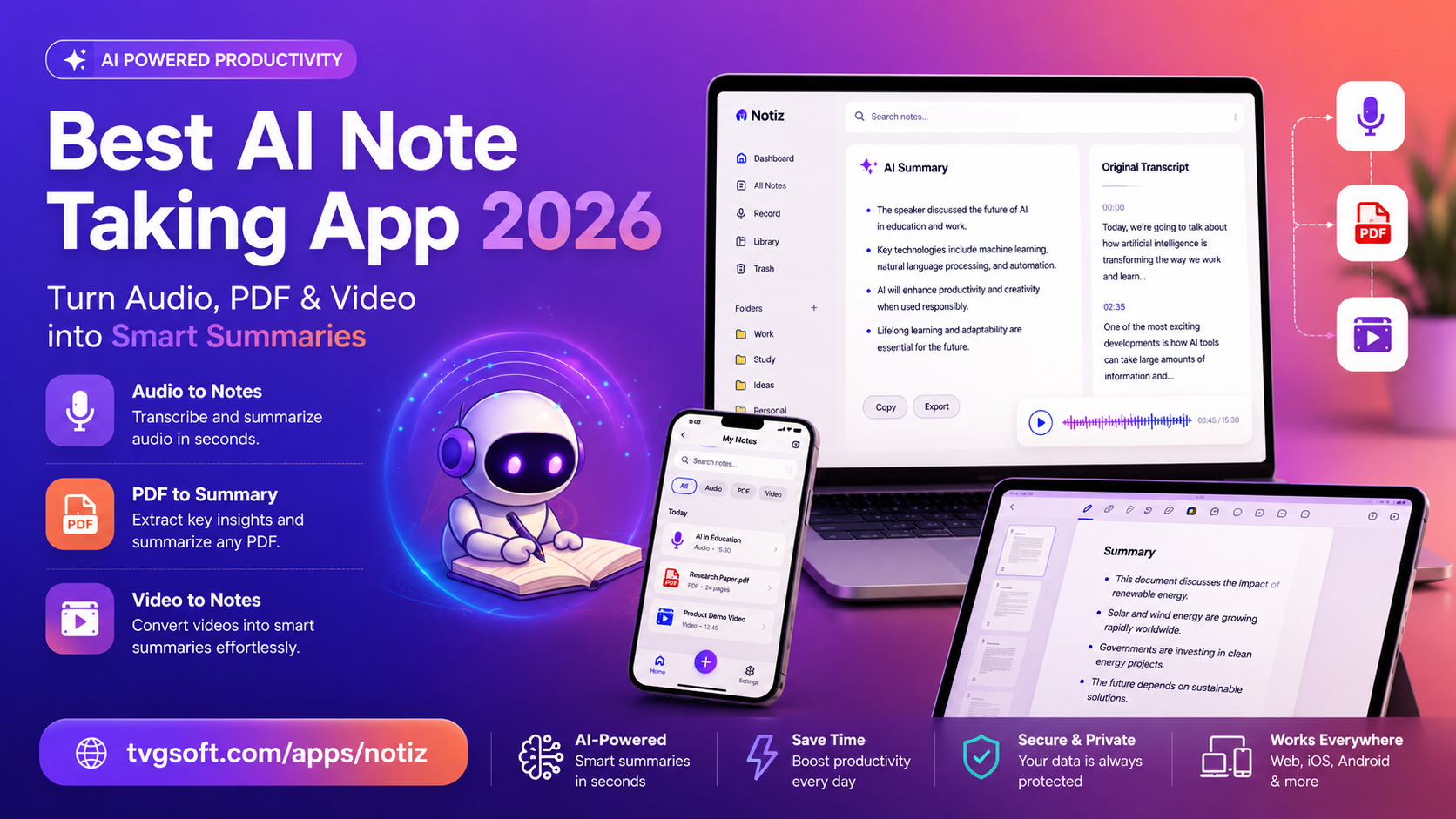
Best AI Note-Taking App 2026: Turn Audio, PDF & Video into Smart Summaries
Manual note-taking is quickly becoming a relic of the past. Between back-to-back meetings, dense lecture halls, and an endless stream of PDFs and videos to review, most people simply don't have the bandwidth to write everything down by hand let alone organize it afterward. That's exactly the gap that modern AI note-taking apps are built to close.
In this guide, we'll break down how AI powered transcription and summarization tools work, who benefits most from them, and what to look for before choosing one for your workflow in 2026.
Why Traditional Note-Taking No Longer Works
Think about the last time you tried to jot down every important point in a one-hour meeting or a fast-paced lecture. Chances are you missed something a deadline, a key statistic, or an action item someone mentioned in passing. Handwritten or typed notes depend entirely on how fast you can listen, process, and write at the same time, and that's a losing battle against a live conversation.
The result is a familiar cycle: recordings nobody has time to re-listen to, PDFs that pile up unread, and videos bookmarked "to watch later" that never actually get watched. AI note-taking software solves this by doing the listening, reading, and summarizing for you instantly and consistently.
How AI Transcription and Summarization Actually Works
At a technical level, these apps combine automatic speech recognition (ASR) with large language models to convert raw audio or text into structured, readable output. Here's the general pipeline:
- Capture — the app records live audio, imports an existing file, or pulls in a video link or article URL.
- Transcribe — speech is converted into accurate text, often with timestamps and speaker labels.
- Analyze — an AI model scans the transcript for key ideas, decisions, dates, and action items.
- Summarize — the findings are compressed into a clean, skimmable summary, complete with headings and bullet points.
Some tools go a step further, letting you interact with the content afterward asking follow-up questions about a document or generating study material straight from the summary.
Who Benefits Most From an AI Note App
Students
Long lectures and dense textbooks are hard to retain in real time. An AI note-taking app can record a class, generate a summary, and even turn key concepts into flashcards or quiz questions for exam prep — cutting revision time dramatically.
Working Professionals
Meetings eat up a huge share of the workday, and most of what's said never gets acted on because nobody wrote it down properly. AI-generated meeting minutes, automatically flagged action items, and one-click follow-up emails turn a messy conversation into a clear record everyone can reference.
Content Creators & Researchers
Reviewing hours of footage or wading through long-form articles is time-consuming. A video-to-summary tool can extract the core message of a video from just a link, while a document assistant can distill a lengthy report or research paper into digestible insights.
Must-Have Features in a 2026 AI Note-Taking App
When comparing tools, look beyond basic transcription. The strongest apps in 2026 typically offer:
- Real-time live transcription with high accuracy, not just batch processing after the fact
- Speaker identification so multi-person conversations stay organized
- Video and web link summarization, so you don't need to download or manually transcribe content first
- PDF and document chat, letting you ask direct questions about long files instead of scrolling through them
- Study tools like auto-generated flashcards and quizzes for students
- Meeting automation, including action-item detection and email drafting
- Broad language support, ideally covering 100+ languages for global teams and multilingual content
- Data privacy and encryption, since meeting recordings and documents often contain sensitive information
A Tool Worth Trying: Notiz
One app that checks all of these boxes is Notiz: AI Note Taker & Summary, built by mobile studio TVGSOFT. Notiz is designed as an all-in-one assistant that transcribes live meetings and lectures, imports audio files, summarizes videos and articles from a simple link, and lets you chat directly with uploaded PDFs to pull out key insights.
For students, it converts recorded lectures into flashcards and practice quizzes automatically. For professionals, it turns recordings into polished meeting minutes, flags action items, and can draft a follow-up email in one tap. With support for over 100 languages and encrypted data handling, it's built to work across both everyday study sessions and professional workflows without adding extra steps to your routine.
Getting the Most Out of an AI Note-Taking App
A few habits make these tools even more effective:
- Record in a quiet environment whenever possible to maximize transcription accuracy.
- Label your sessions (by class, project, or client) so summaries stay easy to search later.
- Review the summary, not just the transcript that's where the real time savings come from.
- Use the generated action items as your actual task list instead of rewriting them elsewhere.
- Combine formats — pair a recorded meeting with a related PDF report for a more complete picture of a project.
Final Thoughts
AI note-taking apps have moved from a nice-to-have to a genuine productivity essential in 2026. Whether you're a student trying to retain more from every lecture, a professional tired of rewriting messy meeting notes, or a researcher buried in PDFs and long videos, the right tool can turn hours of passive listening and reading into minutes of focused review.
If you're ready to stop taking notes the hard way, give Notiz a try. Download it for iOS or Android today and turn your next meeting, lecture, or PDF into a smart summary in seconds.